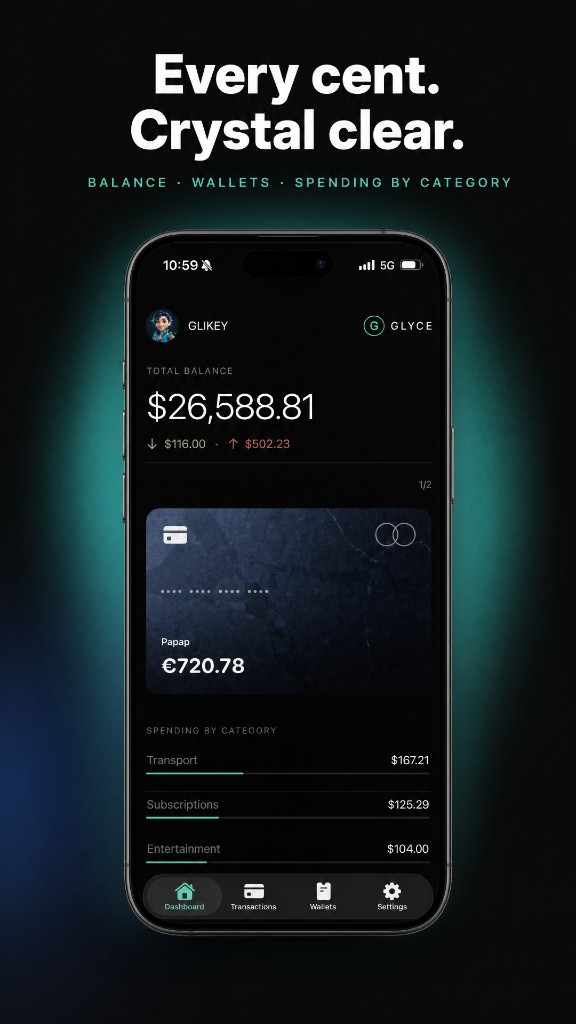
A ledger you keep on the phone.
Glyce is for the money you write down yourself: wallets, spending, subscriptions, and a salary that arrives on a day you choose. It does not open an account and it does not ask a bank for the list.
-
01
The amount is yours to enter.
A card, cash, or a bank account is a wallet with a balance you type. The total on the overview is the sum of those wallets, in the currency you picked at the start. Recommended currencies sit at the top of that list so you are not hunting through every code.
-
02
Subscriptions are the ones you add.
Netflix, rent, a gym, or a name you type. Glyce records the charge on the day of the month you set, and can show that list on the home screen. It does not discover charges by signing into a bank.
-
03
Income can repeat too.
Salary and dividends are the same kind of record, in the other direction. You set the amount, the wallet, and the day. On that day the balance goes up.
-
04
Nothing is kept for you in the cloud.
The database stays on the device and is left out of iCloud and iTunes backups. Face ID can hide the figures when you leave the app. Delete Glyce and the ledger is gone. It cannot be sent back.
-
05
GlyceAI is on the tab bar and does not write yet.
The section is there so you can see what is next: a receipt, a screen, or a short phrase becomes a draft, and you decide whether to keep it. Today it does not record a transaction and it does not send anything off the phone.
-
06
Analytics can be switched off.
Until you turn it off, Glyce may record which screens you open and how the app crashed. It does not record amounts, notes, categories, or wallet names, and it does not use an advertising identifier.